

UniFi vs. Store-Bought Routers
Why a business outgrows the router from the electronics aisle
A router from Best Buy or Amazon is built for a household: a few people, a few dozen devices, one network, and an app that hides the details. Plenty of small businesses start on one, and it works until the business adds cameras, a card reader, guest Wi-Fi or a second room. UniFi, made by Ubiquiti, is built for the next step, and it is what we install for most of our customers.
This guide compares the two for a business owner deciding whether the store-bought router is still enough.
The short version
- Consumer routers and mesh kits (Netgear, TP-Link, Eero, Google Nest Wifi) are good home products. They are designed around one network for one household.
- A business needs staff, guests, cameras and payment devices kept apart. That separation is the main thing consumer gear leaves out.
- UniFi uses cabled access points, a real firewall, and one dashboard for every device and every site, with no license to keep it running.
- UniFi costs more than a mesh kit at the start and needs cabling and setup. It is built to stay in place for years.
What store-bought gear is built for
The mesh kits on the shelf solve a home problem well: cover a house without running cable, and set it up from a phone in ten minutes. The units talk to each other over the air, the app shows a list of devices, and there is usually one main network plus a guest network.
None of that is wrong. It is a different job from running a building where a camera system, a door controller, a phone system, a point-of-sale terminal and forty laptops share the same wiring.
Where it falls short in a business
One network for everything
Office computers, guest phones, cameras and the card reader all sit together. A problem on one device can reach the rest.
Coverage by relay, not by cable
Mesh units pass traffic to each other over the air, so they share airtime with your devices. Speed drops with each hop and with each wall.
No real view of the network
A phone app shows a device list. It does not show which switch port a camera is on, or why it dropped at 2:00 PM.
Business features cost extra, or are missing
Eero sells a separate business subscription sized for up to 100 connected devices. Other kits simply do not offer the features.
No power over the cable
A consumer unit sits on a shelf near an outlet. It cannot power a ceiling access point, a camera or a desk phone.
Short product life
Consumer models are replaced often, and security updates for older ones end. A business should not have to find that out the hard way.
What UniFi does differently
Separate networks on one system
Staff, guests, cameras, phones and payment devices each get their own network, with rules for what may talk to what.
Cabled access points
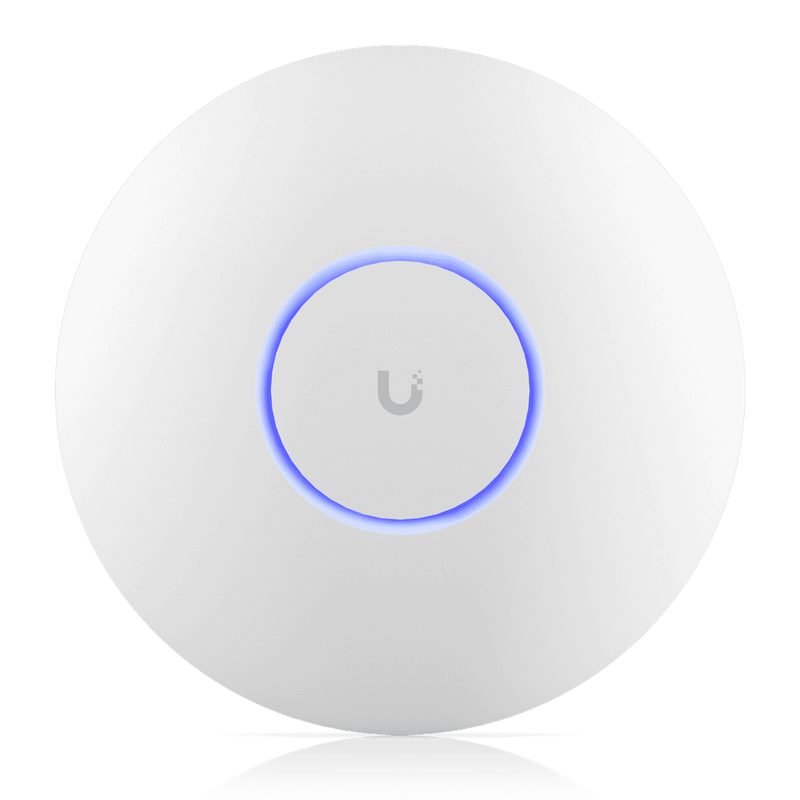
Each access point is wired back to a switch and powered over the same cable, so every one delivers full speed.
One dashboard, any number of sites
Every gateway, switch and access point appears in one place, and we can see and manage it remotely.
A real firewall
Intrusion detection and prevention, content filtering and VPN are built into the gateway.
Room to grow
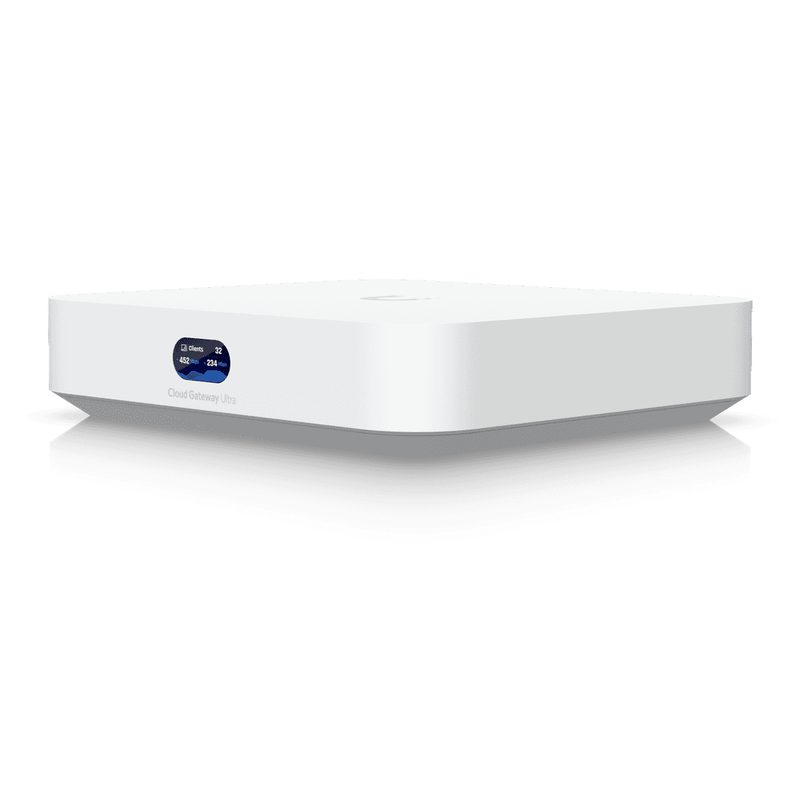
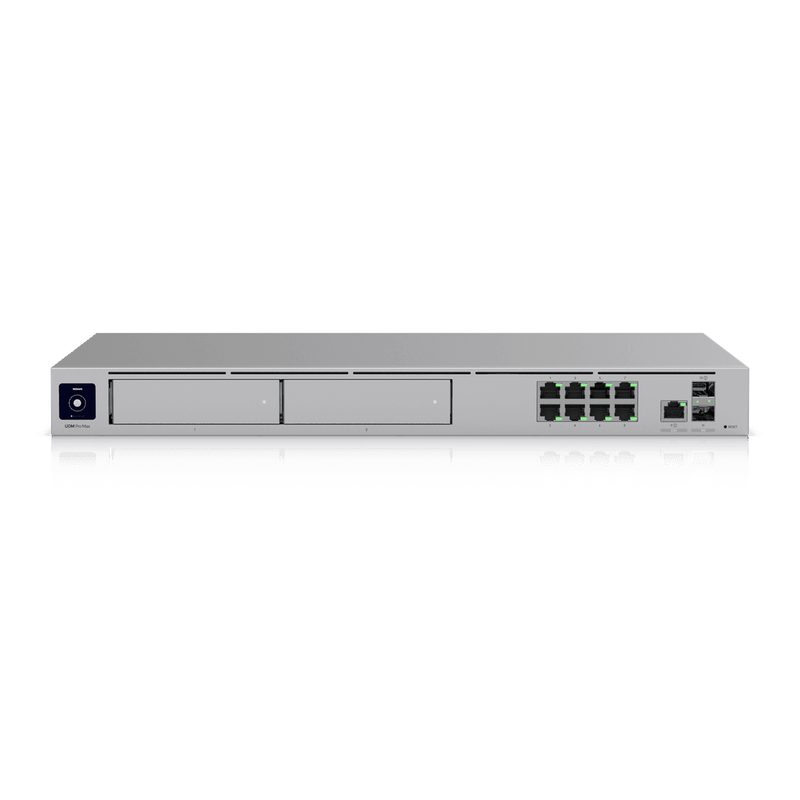
A Cloud Gateway Ultra is specified for 300+ clients and a Dream Machine Pro Max for 2,000+. Adding an access point or a switch does not mean starting over.
Cameras and doors on the same platform
UniFi Protect cameras and UniFi Access door control run on the same system and the same dashboard.
Side by side
| Store-bought router or mesh kit | UniFi | |
|---|---|---|
| Networks | One main network, plus a guest network | Many, each with its own rules |
| Access points | Units relay to each other over the air | Wired and powered over the cable |
| Management | Phone app, one location | One dashboard for every site, remote |
| Security | Basic firewall; extras often by subscription | Firewall with intrusion prevention built in |
| Licensing | Free to run; business features may be a subscription | No license to run or manage |
| Power for devices | None | Switches power access points, cameras and phones |
| Mounting | On a shelf | Ceiling, wall, rack or outdoors |
| Cameras and door access | Separate products and apps | Same platform |
| Setup | Ten minutes from a phone | Designed and installed; needs cabling |
A fair word about the brands
Netgear, TP-Link, Eero and Google all make solid products for the home, and this is not a claim that their hardware is poor. Netgear and TP-Link also make separate business lines that are a different class of product from what is on the shelf at a retail store. The comparison here is between a retail home product and a system designed for a workplace.
When a store-bought router is fine
- A home office, or a one-room office with a handful of devices
- No cameras, door readers, card payments or guest Wi-Fi
- A temporary space you will leave within a year
What it costs
UniFi equipment costs more at the start than a mesh kit, and it needs cable to each access point and someone to design and set it up. In return there is no license or subscription to keep it running, the parts can be added to one at a time, and the system is built to stay in place for years. For most businesses the cabling is the larger part of the job, and good cabling outlasts the equipment plugged into it.
How Smart Life does it
- We walk the building, count the devices and plan access point locations before anything is ordered.
- Access points are cabled and ceiling- or wall-mounted. We do not rely on wireless relays.
- Staff, guest, camera, phone and payment traffic are separated from day one.
- We install the cabling, the UniFi equipment, and the cameras, door access and phones that run on it.
- We can monitor and support the network remotely afterward, and you keep full ownership of it.
Common questions
Is UniFi better than a mesh Wi-Fi kit for a business?
For most businesses, yes. UniFi separates staff, guest, camera and phone traffic into their own networks, uses cabled access points, and is managed from one dashboard. Consumer mesh kits are built for a household on one network.
Does UniFi have monthly fees?
No license is needed to run or manage UniFi network equipment. Some optional services, such as an enhanced threat-signature subscription, cost extra.
Can a small office just use a store-bought router?
A one-room office with a handful of devices and no cameras, card payments or guests can. Once there are cameras, door readers, guest Wi-Fi or more than a few dozen devices, it is the wrong tool.
UniFi network equipment we install
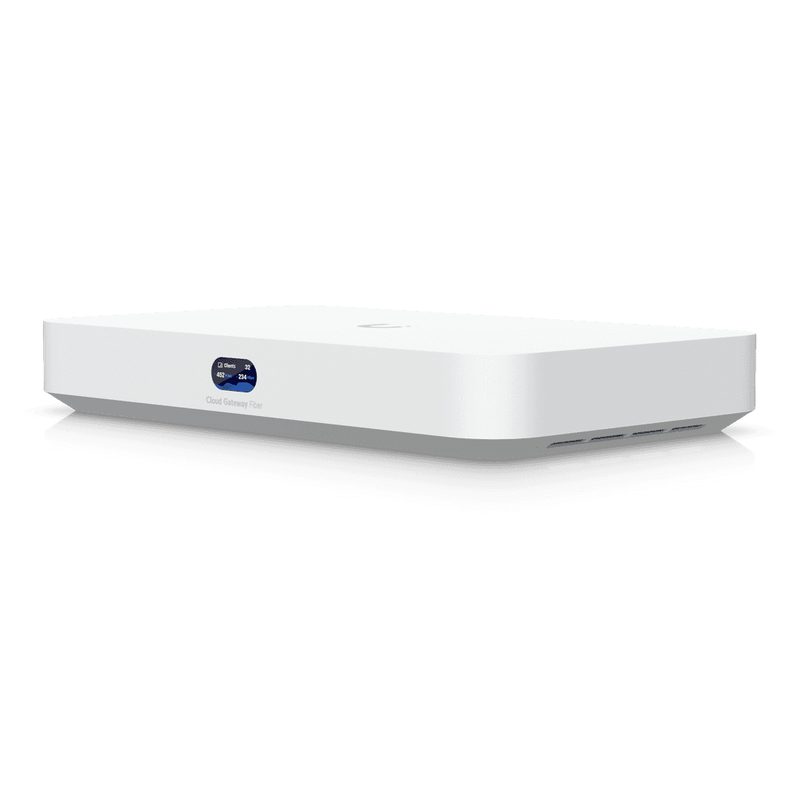
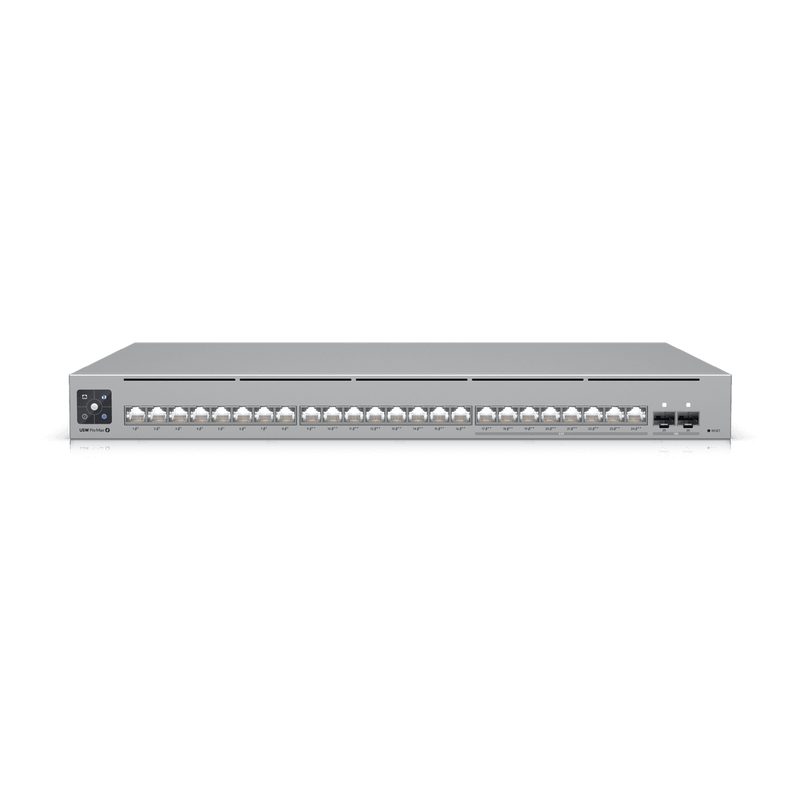
From the cable and parts we use on our own jobs. Select an item for its data sheet (PDF).

Related reading and services
Read the companion guide, UniFi vs. Licensed Enterprise Networks. See our UniFi work, UniFi Network, network installation and business Wi-Fi.
Running a business on a router from the store? Tell us how many people and devices you have. We will show you what a proper network for your space looks like.
Talk to us about this
Tell us what you need and where the work is. We will reply with next steps, usually a short call or a visit to the building. Prefer to talk? Call (502) 251-4775, Monday to Friday, 8:00 AM to 5:00 PM ET.
Use the buttons at the top of this box to send a message, pick a time for a call, or book a site visit.
More articles
UniFi vs. Licensed Enterprise Networks
Where UniFi fits against Meraki, Fortinet and the rest, and where it does not
UniFi vs. licensed enterprise networking such as Cisco Meraki and Fortinet: licensing, what a lapsed license does, multi-site management, and fit.
Low-Voltage Cabling, Explained
The foundation under every system in the building
What low-voltage cabling is, why buildings are wired this way, what a structured cabling system includes, and where installations go wrong.
Solid Copper vs. CCA Cable
Why the conductor matters, and how to tell what you are getting
Copper-clad aluminum (CCA) is sold as Cat6 but does not meet the standards for category cable. Why it fails with Power over Ethernet and how to spot it.
Plenum vs. Riser Cable
CMP, CMR and outdoor cable, and which one your building needs
CMP vs. CMR cable explained: what plenum and riser ratings mean, how to tell if your ceiling is a plenum, the substitution rule, and outdoor and burial cable.
