

Cabling for 70-Volt Paging and Audio
How 70-volt systems work, and what to run for them
Overhead paging, background music and plant-wide announcements are low-voltage systems too, and they depend on cable just as the network does. The cable is different, the rules of thumb are different, and a paging system that is hard to understand on the floor is very often a cabling problem, not a speaker problem.
The short version
- Commercial paging uses 70-volt "constant-voltage" lines so one amplifier can feed many speakers over long distances.
- Each speaker has a small transformer with a wattage tap. Add up the taps and keep the total under the amplifier's rating with margin.
- Speaker lines are usually an 18- or 16-gauge pair. Signal and microphone lines are shielded.
- The same fire ratings apply: plenum-rated cable above a plenum ceiling.
Why 70 volts
A home stereo drives a speaker directly at low voltage and high current. That works for a few feet of heavy wire and falls apart across a warehouse: most of the power would be lost in the cable. A 70-volt system borrows the idea the electric utility uses. The amplifier steps the signal up to a higher voltage and lower current, the cable carries it a long way with little loss, and a small transformer at each speaker steps it back down.
| Home or studio (low impedance) | Commercial 70-volt | |
|---|---|---|
| Speakers per amplifier | A few, wired with care | Dozens on one line, in parallel |
| Cable | Heavy gauge, short runs | 18 or 16 gauge, hundreds to thousands of feet |
| Adding a speaker | Changes the load on the amplifier | Tap onto the line anywhere |
| Volume per speaker | Set at the amplifier | Set by the tap on each speaker |
| Best for | Music at close range | Speech and background music across a building |
Designing a line
Count watts, not ohms
Each speaker is tapped at a wattage: 1 or 2 watts in an office, 15 or 30 for a horn on a plant floor. Add the taps on a line.
Leave headroom
Keep the total at about 80 percent of the amplifier rating or less. An amplifier run at its limit distorts and fails early.
Zone it
Offices, the production floor and the dock usually want different volumes. Separate lines or zones make that possible.
Match the speaker to the space
Ceiling speakers for offices and corridors, horns for loud or open areas, pendants where the ceiling is high.
Mind polarity
Speakers wired out of phase with their neighbors cancel each other. The cable has a marked conductor for this reason.
Walk it at working volume
Coverage is judged with the machines running, not in an empty building.
The cable
| Use | Typical cable | Notes |
|---|---|---|
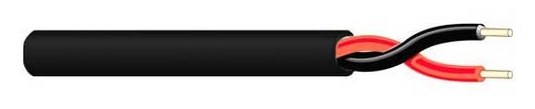
| 70-volt speaker lines | 18/2 or 16/2 stranded, unshielded | Heavier gauge for long runs and high-wattage horn lines |
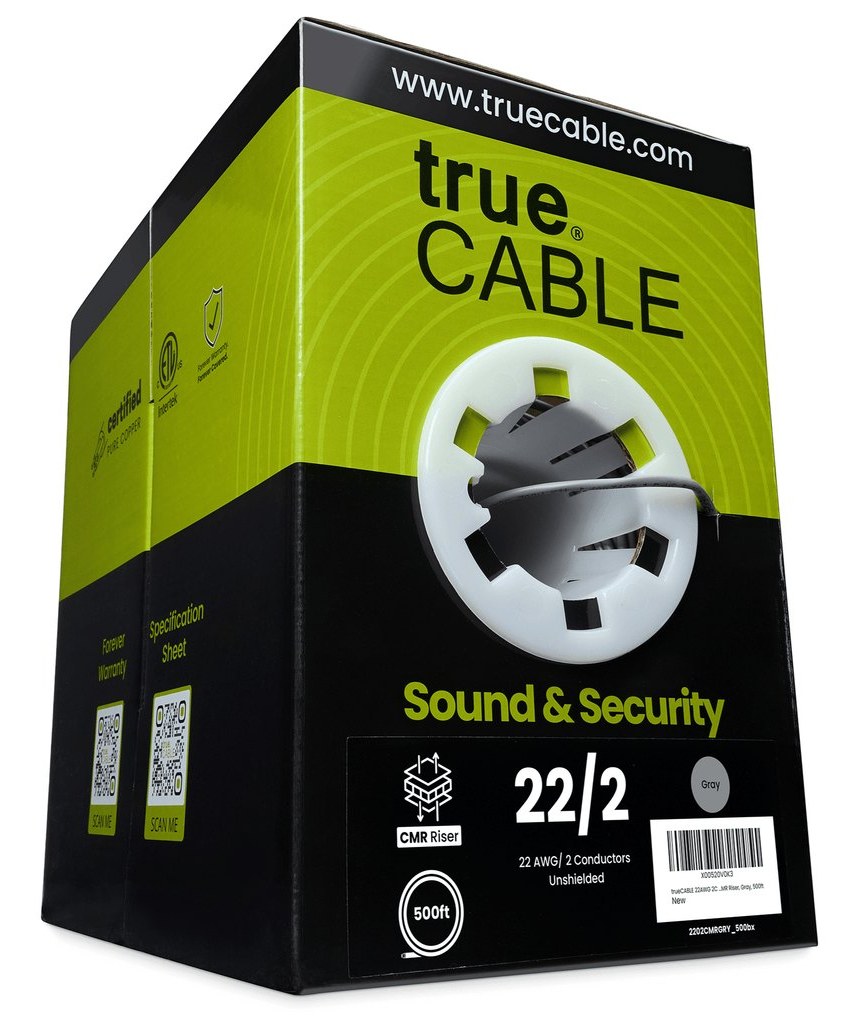
| Line-level audio, page inputs, microphones | 22/2 or 18/2 shielded with drain wire | Low-level signals pick up hum without a shield |
| Talkback and intercom stations | Shielded multi-conductor per the manufacturer | Follow the conductor count the station calls for |
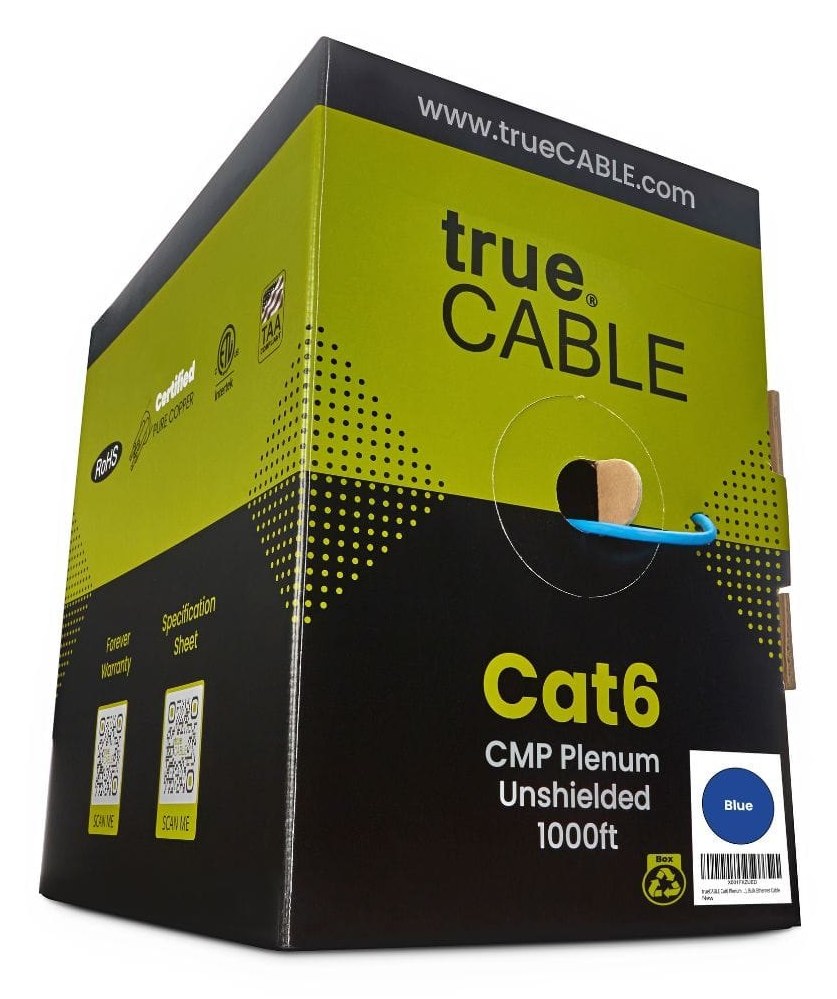
| IP speakers and IP horns | Cat6 with Power over Ethernet | One cable for audio and power, back to a network switch |
| Volume controls | Extra pair or conductor as the control requires | Run it with the speaker cable to avoid a second pull |
- Use plenum-rated cable (CL2P, CL3P or CMP) above a plenum ceiling and riser-rated cable between floors. The fire rules do not change because the cable carries audio.
- Keep speaker lines out of the same bundle as data cable and microphone cable. A 70-volt line is a strong signal and will be heard on sensitive neighbors.
- Cross power at right angles and do not share conduit with it.
- Splices belong in boxes or on terminal blocks, not twisted and taped above the ceiling.
- Label each line by zone at the head end. It saves hours the first time something stops working.
Paging and the phone system
Most businesses page from a phone. An analog page port or a paging adapter connects the phone system to the amplifier, and a cloud phone system can do the same through an adapter or through IP speakers on the network. When a phone system is replaced, the paging connection is the piece most often forgotten, so we check it before the old system is removed.
IP paging
Newer systems put each speaker on the network. An IP speaker takes a single Cat6 cable for audio and power and can be paged individually, grouped into zones in software, and scheduled for bells and tones. It suits new construction and buildings that already have good cabling. For a large open floor, a 70-volt line of horns is usually still the more economical way to cover the space, and the two are often mixed.
How Smart Life does it
- We install and service paging for plants, warehouses, schools, offices and stores, including systems that page from a cloud phone system.
- We walk the floor during working hours, because coverage depends on how loud the space really is.
- Existing wiring and speakers are tested and kept where they are sound. Often the head end is the problem, not the cable.
- Lines are zoned, labeled and documented, and we show your staff how to use the system.
Common questions
What is a 70-volt speaker system?
A commercial audio system where the amplifier sends the signal at a higher voltage and lower current, and a small transformer at each speaker steps it back down. It lets one amplifier feed many speakers over long cable runs.
What wire is used for 70-volt speakers?
Usually an 18-gauge or 16-gauge two-conductor stranded cable, with the heavier gauge for long runs and high-wattage horn lines. Above a plenum ceiling it must be plenum-rated.
How many speakers can one amplifier run?
Add up the wattage tap of every speaker on the line and keep the total at about 80 percent of the amplifier rating or less.
Cable we use for paging and audio
From the cable and parts we use on our own jobs. Select an item for its data sheet (PDF).

The cabling series
- Low-Voltage Cabling, Explained
- Cat6, Cat6A or Fiber?
- Solid Copper vs. CCA Cable
- Plenum vs. Riser Cable
- Power over Ethernet, Explained
- Cabling for 70-Volt Paging and Audio (this article)
Related services
See overhead paging and intercom, structured cabling, network installation.
Paging hard to hear, or missing in part of the building? We walk the floor during working hours, test what is there, and tell you what can stay.
Talk to us about this
Tell us what you need and where the work is. We will reply with next steps, usually a short call or a visit to the building. Prefer to talk? Call (502) 251-4775, Monday to Friday, 8:00 AM to 5:00 PM ET.
Use the buttons at the top of this box to send a message, pick a time for a call, or book a site visit.
More articles
UniFi vs. Store-Bought Routers
Why a business outgrows the router from the electronics aisle
UniFi vs. store-bought routers and mesh kits (Netgear, TP-Link, Eero, Nest Wifi) for a business: separate networks, coverage, management and cost.
UniFi vs. Licensed Enterprise Networks
Where UniFi fits against Meraki, Fortinet and the rest, and where it does not
UniFi vs. licensed enterprise networking such as Cisco Meraki and Fortinet: licensing, what a lapsed license does, multi-site management, and fit.
Low-Voltage Cabling, Explained
The foundation under every system in the building
What low-voltage cabling is, why buildings are wired this way, what a structured cabling system includes, and where installations go wrong.
Solid Copper vs. CCA Cable
Why the conductor matters, and how to tell what you are getting
Copper-clad aluminum (CCA) is sold as Cat6 but does not meet the standards for category cable. Why it fails with Power over Ethernet and how to spot it.
